Jumis Envoice — a unified solution for e-invoice circulation
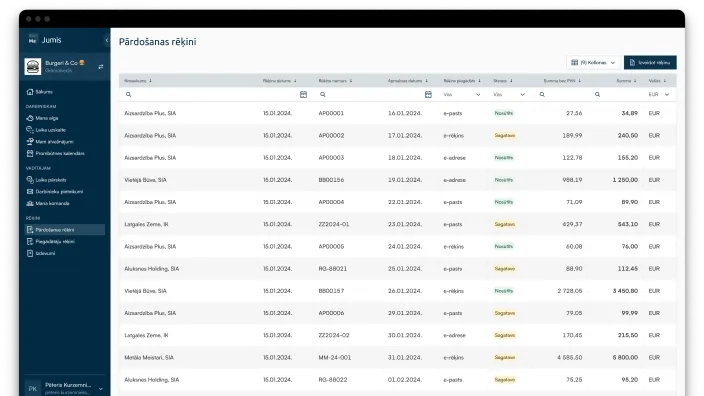
Send and receive e‑invoices in one system

Jumis Envoice features

Time savings
Automatic invoice sending and receiving without manual data entry — more time for other business priorities.

Fewer errors, more accuracy
Data is processed automatically, reducing human errors and inaccuracies in invoices.

Complete integration with Jumis
All e-invoices are stored in the Jumis system – accessible, archivable, and secure.
What are the features of Jumis Envoice?
- Sending to e-addresses or e-invoice operators (Unifiedpost, Telema), between Jumis clients;
- Automatic import of received invoices into the Jumis system;
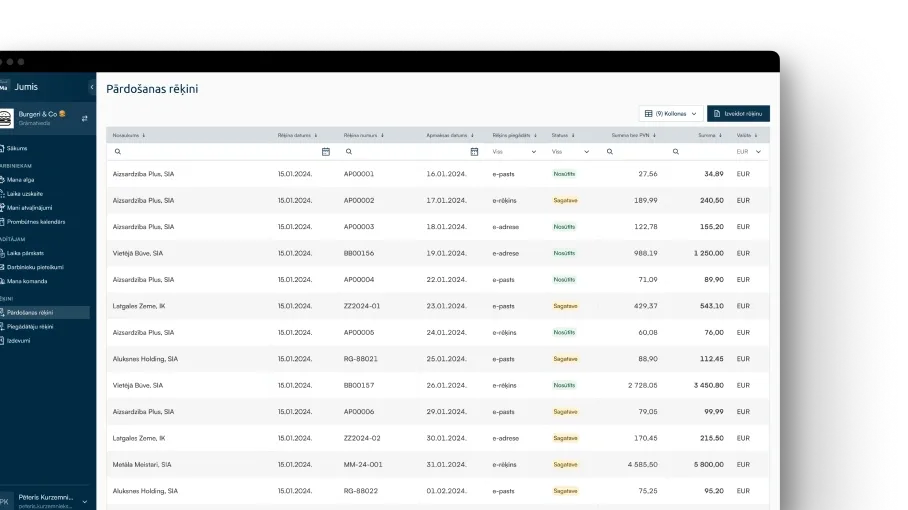
- Transaction overview and archive in the system.
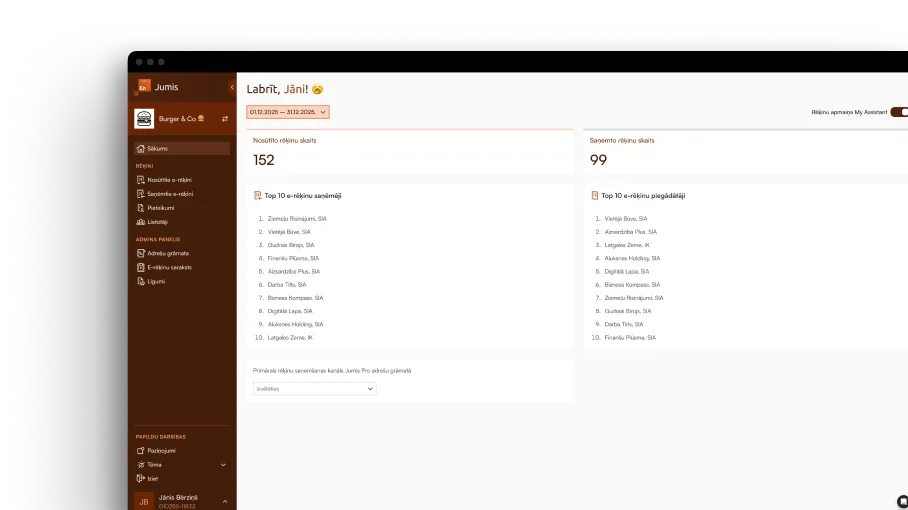
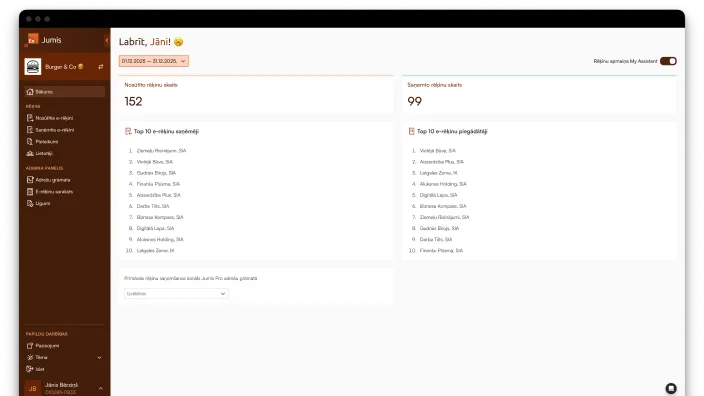
My Assistant integration
The Envoice add-on makes the My Assistant module even more efficient:
- Invoice preparation: create an invoice in the My Assistant module, send it as an e-invoice to the client or operator with one click, all sent invoices are automatically imported into Jumis;
- Automatic processing: received e-invoices can be imported into the My Assistant module, ready for company manager approval, prepared for import into Jumis, and archived;
- Transparency: all invoices in one place with filters and overviews.
Prices
Subscription and transaction fee terms
Subscription fee per month
5.00 €
Transaction fee
0.15 €
All prices are listed without VAT
The invoice is issued for the volume of e-invoices sent and received in the previous month.

Automate document circulation and reduce manual work
How to start using Jumis Envoice?

Step 1
In the Jumis accounting program, apply for the activation of Jumis Envoice. You need to provide: the email of the company's authorized signatory and select the correct company's Jumis database (so the service works with the correct company's data).
Important!
If you have already activated Jumis Envoice for e-invoice exchange between Jumis Pro accounting products, you can now additionally activate the option for e-invoice exchange with an e-address. The company's authorized signatory logs into the erekini.mansjumis.lv portal and in the Applications section can apply for establishing a connection with the e-address.
Step 2
After filling in the information, the authorized signatory will receive an email with a link to sign the application.
Step 3
The authorized signatory needs to open the application (logging in with an e-signature). The system will check whether this person has the rights to sign.
Step 4
If the person has the rights to sign, the system will offer to do so with an e-signature.
Step 5
That's it - the company is registered in the Jumis Envoice address book as an e-invoice sender and receiver, and e-invoice exchange is ready to work between Jumis users. Processing the e-address form can take up to 2 weeks.
Pārbaudi e-rēķinu
Our e-invoice tool allows you to simply upload a document and see how it looks digitally. Your uploaded file is not stored in any database, so you can be assured of its security. It is a modern, convenient, and reliable solution tailored to your needs. Try it today and see for yourself!
Ievelc failu vai
augšuplādē
Atbalstītie formāti: XML

Frequently Asked Questions
Do I need to sign a separate agreement with e-address or e-invoice operators?
No, after signing the application (or the e-address form in the case of an e-address), a separate agreement is not required, as cooperation with the e-address and e-invoice operators is ensured by Jumis Pro. Currently, Jumis Envoice allows the exchange of e-invoices between Jumis users and the e-address if the invoice recipient or sender is a state institution.
Currently, Jumis Envoice allows the exchange of e-invoices between Jumis users and the e-address if the invoice recipient or sender is a state institution.
Can multiple Jumis users use Jumis Envoice?
Yes, because Jumis Envoice is connected to the Jumis database, not a specific user. Any company employee with access to the Jumis system can work with e-invoices using Jumis Envoice.
How will I see in Jumis which invoices have been sent through the service?
For invoices sent/received with Jumis Envoice, a document note is added to the list of warehouse documents, showing the date and time when the document was sent or received using Envoice.
How to sign an agreement if we are an accounting outsourcing provider?
Each company that will use Jumis Envoice must sign an individual contract for the use of the service, as the agreement is signed by the company's authorized representative.
A unified solution for sending and receiving e-invoices without complex configuration