
Jumis Envoice — a unified solution for e-invoicing
Send and receive e-invoices in a single system

Jumis Envoice features

Time savings
Automated invoice sending and receiving without manual data entry — more time for other business priorities.

Fewer errors, greater accuracy
Data is processed automatically, reducing human error and inaccuracies in invoices.

Full integration with Jumis
All e-invoices are stored in the Jumis system – transparent, archivable, and secure.
What are the features of Jumis Envoice?
- Sending to e-addresses or e-invoice operators (Unifiedpost, Telema), and between Jumis clients;
- Automatic import of received invoices into the Jumis system;
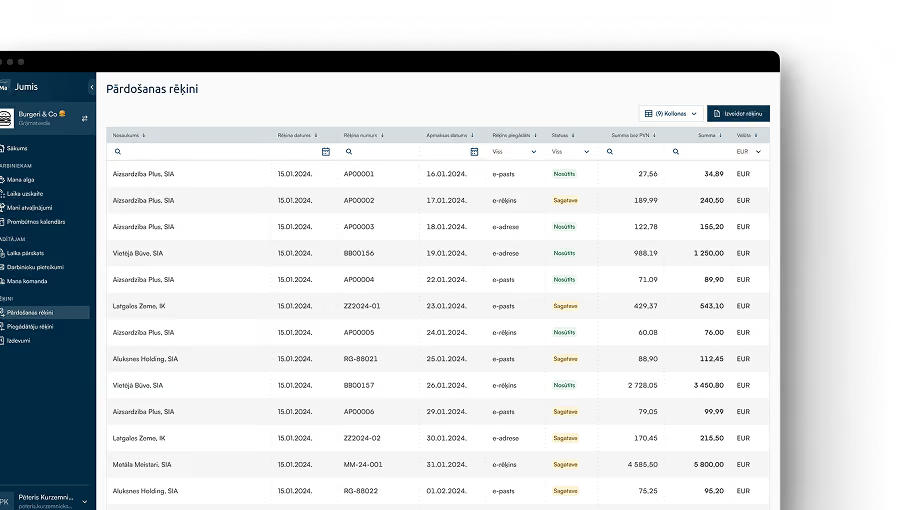
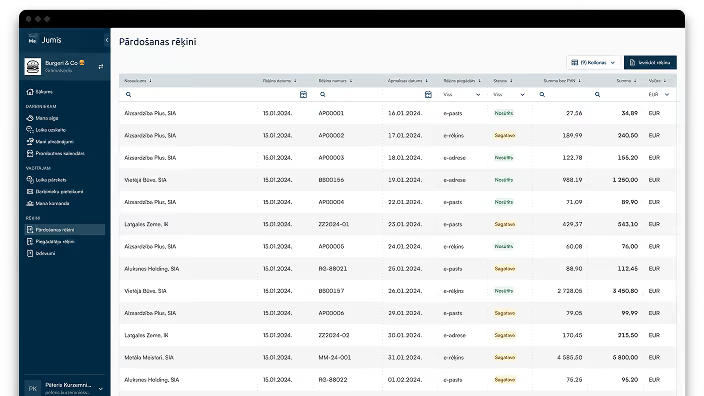
- Transaction overview and system archive.
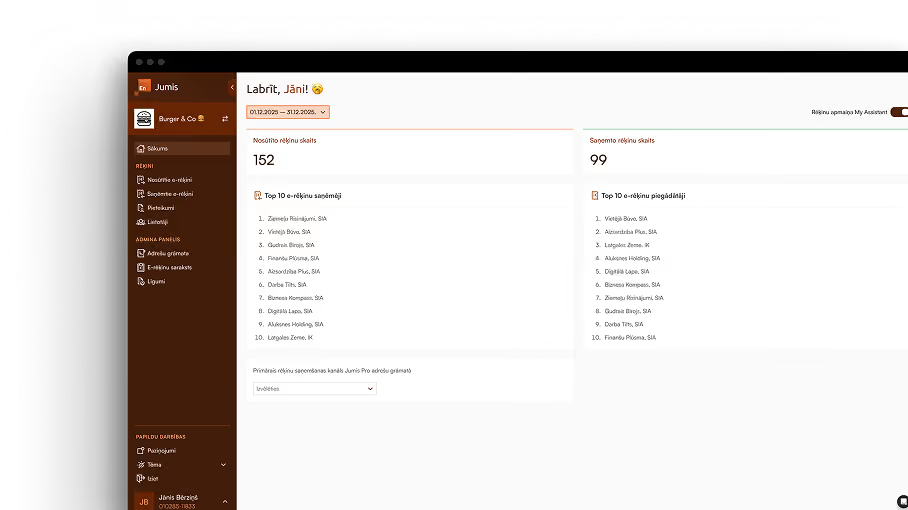
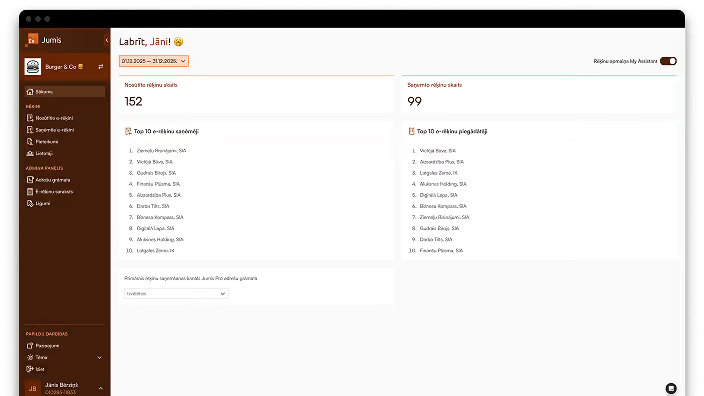
My Assistant integration
The Envoice add-on makes the My Assistant module even more efficient:
- Invoice preparation: issue an invoice in the My Assistant module, send it as an e-invoice to the client or operator with a single click, and all sent invoices are automatically imported into Jumis;
- Automated processing: received e-invoices can be imported into the My Assistant module, ready for manager approval, prepared for import into Jumis, and archived;
- Transparency: all invoices in one place with filters and reports.
Pricing

Automate document workflows and reduce manual tasks
How to start using Jumis Envoice?

Step 1
Apply for Jumis Envoice activation within the Jumis accounting software. You must provide the email address of the company's authorized signatory and select the correct Jumis company database (to ensure the service operates with the correct company data).
Important!
If you have already activated Jumis Envoice for e-invoice exchange between Jumis Pro accounting products, you can now also activate the option for e-invoice exchange via e-address. The company's authorized signatory should log in to the erekini.mansjumis.lv portal and apply for the e-address connection in the Applications section.
Step 2
Once the information has been completed, the authorized signatory will receive an email with a link to sign the application.
Step 3
The authorized signatory must open the application (by authenticating with an e-signature). The system will verify whether this person has signing authority.
Step 4
If the individual has signing authority, the system will offer the option to sign using an e-signature.
Step 5
That is all—the company is now registered in the Jumis Envoice address book as an e-invoice sender and recipient, and e-invoice exchange is ready for use between Jumis users. Processing of the e-address form may take up to 2 weeks.
Check e-invoice
Our e-invoice tool allows you to easily upload a document and view how it appears digitally. Your uploaded file is not stored in any database, so you can be assured of its security. It is a modern, convenient, and reliable solution tailored to your needs. Try it today and see for yourself!
Frequently Asked Questions
Is it necessary to enter into a separate agreement with the e-address or e-invoice operators?
Can Jumis Envoice be used by multiple Jumis users?
How can I see in Jumis which invoices have been sent through the service?
How do I enter into an agreement if we are an outsourced accounting service provider?